
← Back to Brand Guides
Warranty
1 Year Manufacturer Warranty
What's In The Box
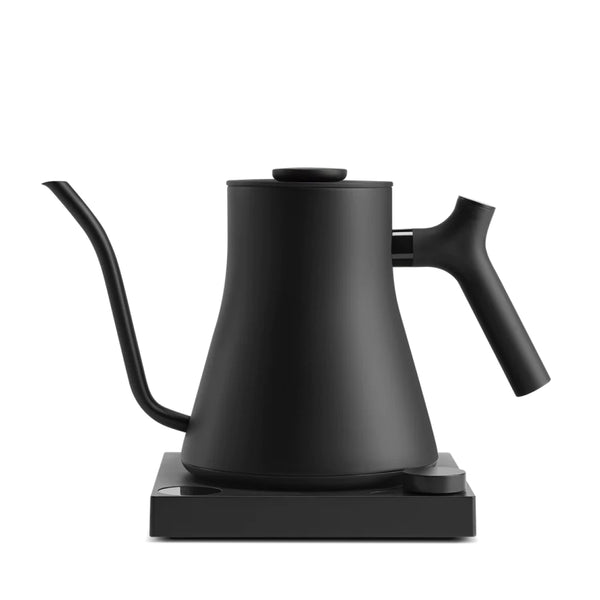
Fellow Stagg EKG Pro gooseneck electric kettle (0.9L / 30oz), Power base with cord (2.5ft), Power cord.
All Brand Guides
Fellow Stagg EKG Pro Pour Over Kettle
Make more of your slow pour mornings with the Fellow Stagg EKG Pro Kettle. The original Stagg EKG is well-loved on the market for its pro-pour features—an elevated gooseneck design with a counterweighted handle and PID-controlled temperatures—perfect for the exacting needs of manual brewing. The EKG Pro adds even more functionality, including new programming for auto-on scheduling, temperature presets, and a high-altitude mode. Also new is a bright color display, an audible chime once you've hit your set temperature, and a dedicated boil button for no-fuss heating. Available in multiple colors and styles, the EKG Pro brings all the functionality you could ask for to brew that perfect cup of coffee at home.
