
← Back to Brand Guides
What's In The Box
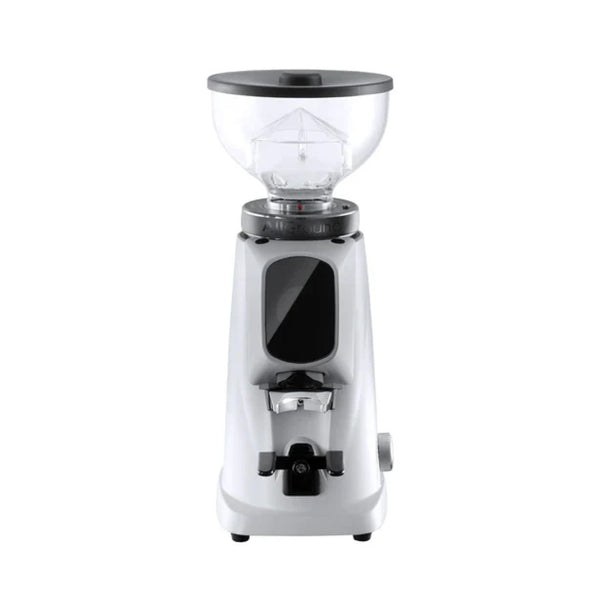
Fiorenzato AllGround espresso and coffee grinder, Portafilter fork (adjustable, removable), Ground coffee container, Power cord.
All Brand Guides
Fiorenzato AllGround Espresso and Coffee Grinder
The Fiorenzato AllGround Espresso and Coffee Grinder is a high end commercially inspired all-purpose coffee grinder perfect for those who want to get the most out of their home setup. Fioranzato specializes in designing and manufacturing excellent espresso grinders for cafes and their first home grinder offering continues that greatness and adds flexibility for the adventurous home brewer. The AllGround is capable of grinding for moka pot and filter brew methods, but it doesn’t quite get coarse enough for French press or cold brew. The adjustable collar with stepped settings and easy to read brew method ranges makes dialing in for your brew method easy. The AllGround’s touch screen interface is responsive and intuitive when programming doses and dispensing grounds. The brew method icon even changes in conjunction with the grind size saving you from brewing for the wrong method and wasting coffee. With 64mm steel burrs, the AllGround is fast and the resulting coffee has good body and flavor quality. An added titanium coating means the burrs will last for many years. The Fioranzato AllGround will look stunning on your home coffee bar while you enjoy making excellent espresso and coffee.
